Diets & mixed households
Meal planning for vegan, vegetarian and mixed households
One person is vegan, two eat chicken, and someone can't have tree nuts. cookingplan.app plans one dinner for all of them and checks every dish against the right person's diet and allergies.
Free during early access · no card · standard, vegetarian & vegan
How it works
- 1
Set the household diet
During onboarding, choose Standard, Vegetarian or Vegan for the household, plus any allergies and dislikes.
- 2
Give people their own profile
Under Household, add a serving profile for anyone who eats differently, with their own diet, allergies and dislikes.
- 3
Plan one dinner for everyone
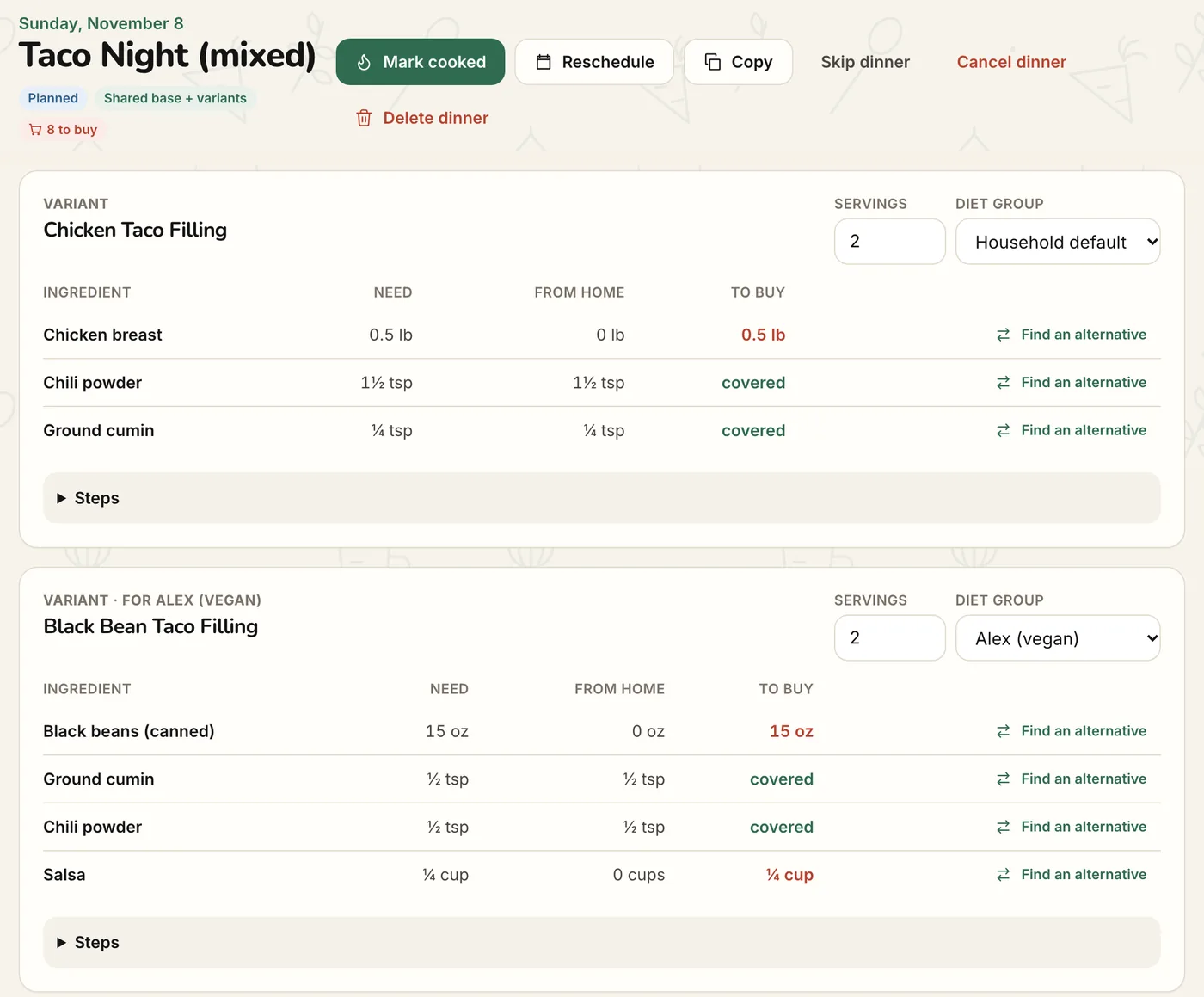
In Plan a dinner, choose Shared base + variants: cook the base once — tortillas and toppings — and add a variant for each group, like two chicken and two black bean.
- 4
Shop once
Every base and variant lands on the same combined grocery list, minus what's already at home.
Three diets, defined plainly
- Standard — no diet restrictions. Allergies and dislikes still apply.
- Vegetarian — no meat, poultry, fish, seafood or gelatin. Eggs and dairy are allowed, with switches to leave out either one.
- Vegan — no meat, fish, eggs, dairy, honey, gelatin or animal stocks.
Allergies are hard stops, dislikes are preferences
Allergies and dislikes are entered separately because they're treated differently. An allergy blocks recipes and substitutions that contain it, and no meal-level override can bypass it. A dislike only steers suggestions away from an ingredient.
When it depends on the label, it says so
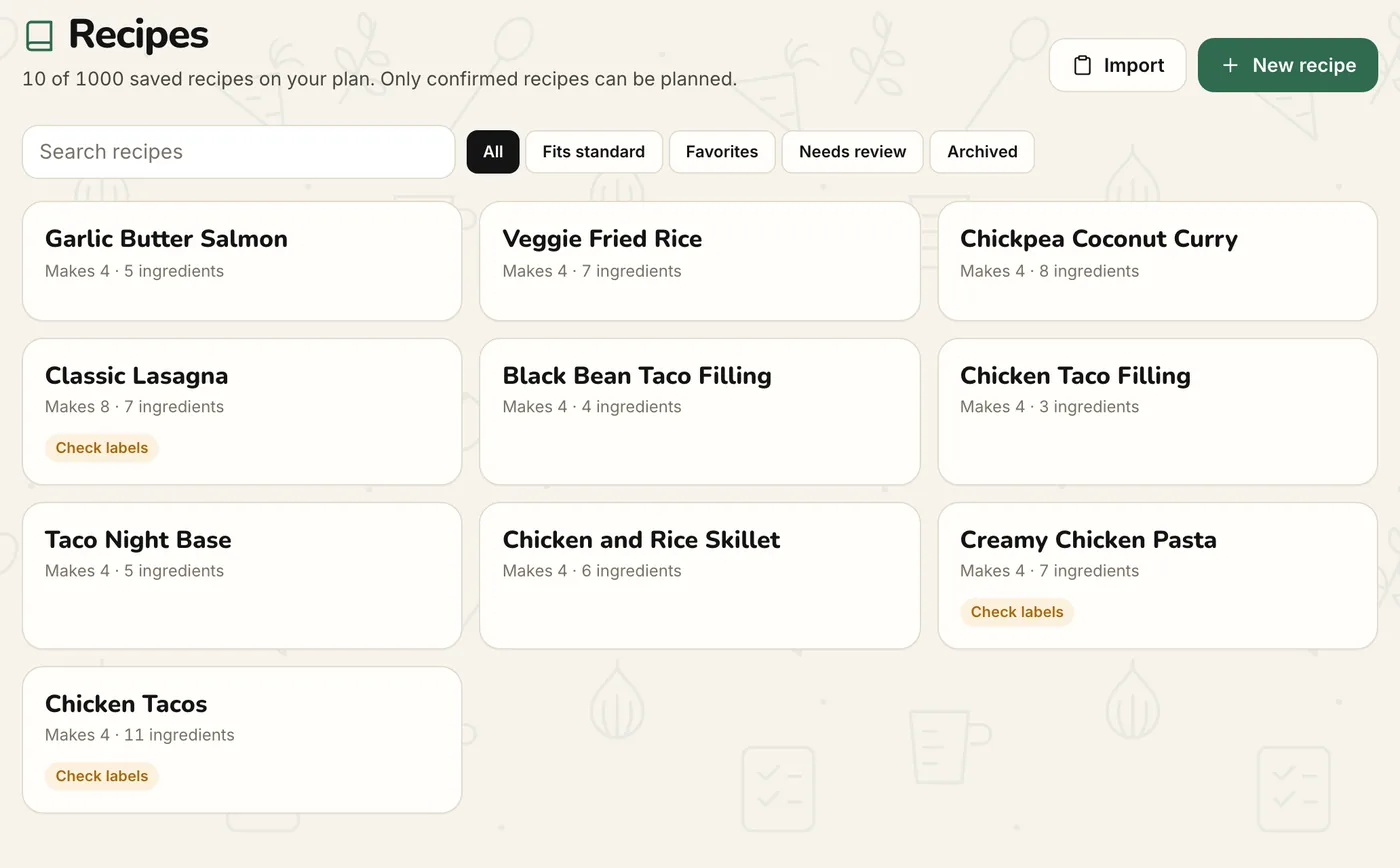
Some ingredients depend on the brand: cheese can be made with animal rennet, and stocks, Worcestershire and plant-based foods vary. Those recipes are marked Check labels instead of being called compatible, and an unknown ingredient never gets a compatible badge.
Swaps that respect everyone at the table
Press Find an alternative on any ingredient. Swaps that would break a group's diet or allergies are shown as blocked with the reason — for example "not vegan" or "contains tree nuts" — so you know why they weren't offered.
Questions
Can one person be vegan while the rest of us aren't?
Yes. Give that person a serving profile with the Vegan diet, then plan shared-base dinners with a variant for them — or plan separate complete recipes for the same night.
Does it handle food allergies?
Allergies are hard blocks: recipes and substitutions that contain them are flagged and can't be overridden for a meal. cookingplan.app helps you organize — always read product labels yourself; see our Food, Allergy & Diet Notice.
Can I use metric units?
Yes. Choose US (cups, oz, lb) or metric (g, ml). Amounts are stored precisely either way, so you can switch any time.
How much does cookingplan.app cost?
It's free during early access — no card and no trial clock. Every household gets the larger Household limits while early access lasts.
Read the Food, Allergy & Diet Notice.